THE PLAYBOOK · MILUPIANO
Learn the rules of Classic Sudoku
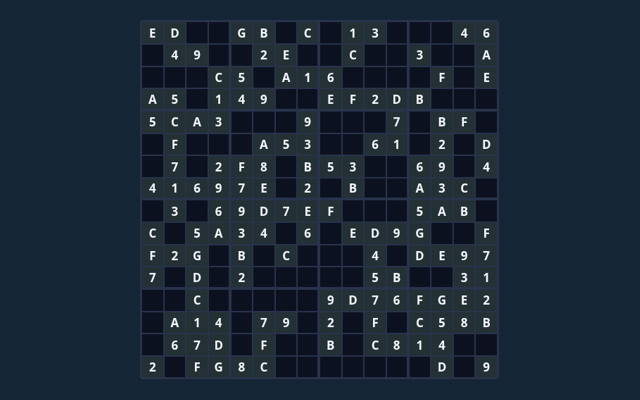
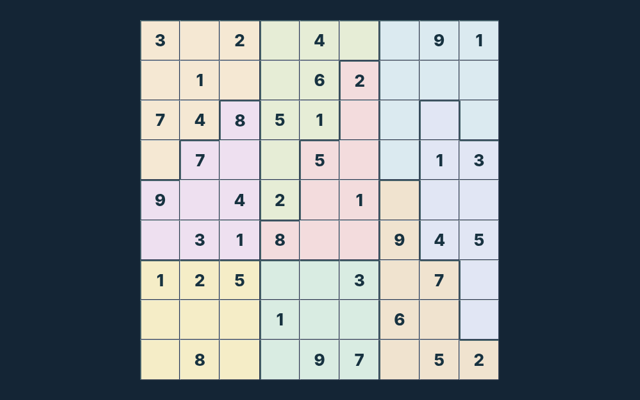
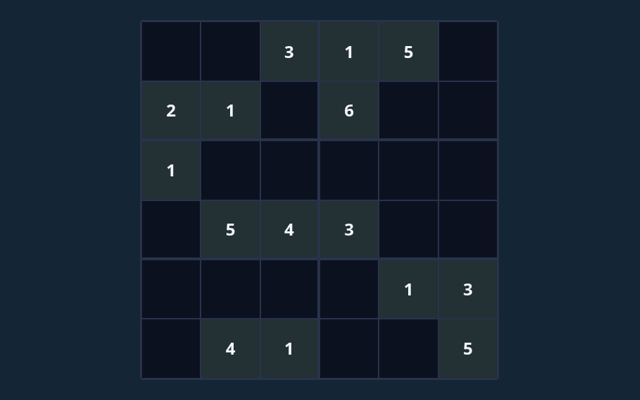
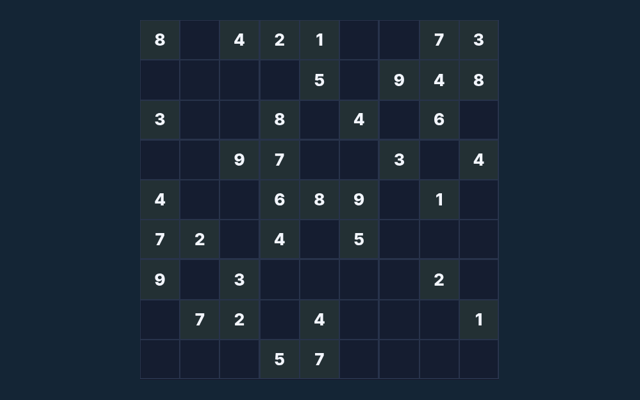
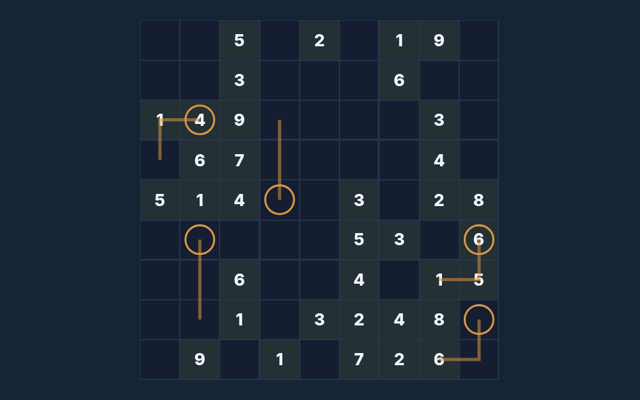
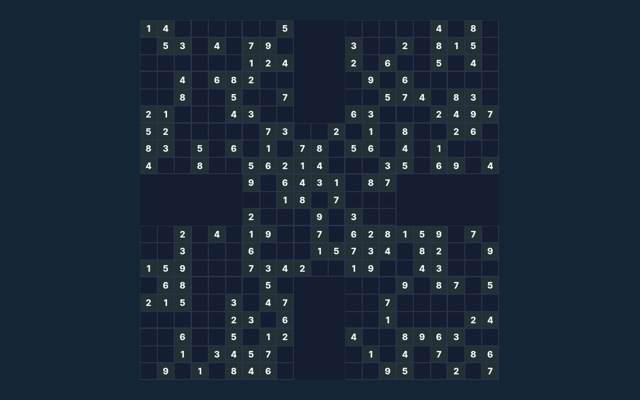
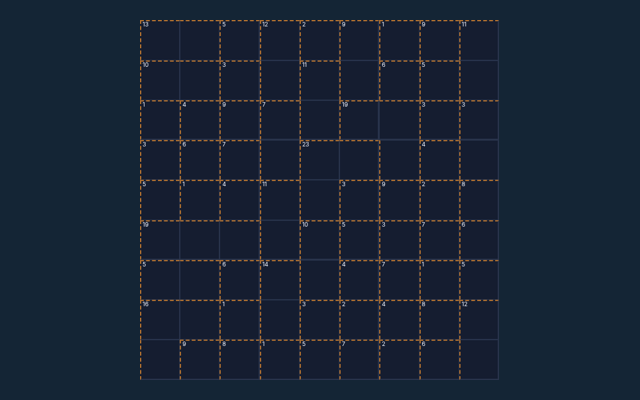
Bring your attention to one round of Classic Sudoku. Fill all cells with 1–9; do not repeat a symbol in any row, column or region. Keep the game area visible while you use its controls. Begin with the solo mode shown on the page. Check the relevant rule before repeating a move.
Something to practise
Before your first action, say what you are trying to achieve. Then compare the result with the goal. Refer to the controls when needed.
What counts as success
Fill all cells with 1–9; do not repeat a symbol in any row, column or region. An attractive position is not enough unless the goal is met. Keep the controls in easy reach.
Step by step
- Select an empty cell. The original clues cannot be edited.
- Choose a symbol from the number pad, or type it on a keyboard.
- Turn Notes on to record candidate symbols without committing an answer.
- Use Check entries to check your filled values. Hint reveals one value from the verified solution.
- Complete the board, or choose New puzzle for another board.
Choosing and moving on screen
Tap or click a cell and use the number pad. Keyboard: arrows select cells; digits (and A–G on 16×16) enter values; Backspace erases. A careful first action helps you become familiar with the layout. Avoid pressing the same control repeatedly while a move is being processed.
Learn from a sample situation
On one puzzle in this collection, row 1, column 1 has 8 in its solution. Read the clues on your current board before using that value; another puzzle can need a different entry. Your next round may have a different position, so inspect it before acting. Choose a deliberate next step.
Watch out for this
Notes are reminders, not final entries. A full board only counts as complete when it satisfies every rule. Check the rule before repeating the action. When a decision goes wrong, compare it with the common mistake described below. Start again only when you intend to leave the current round.
Common questions
When I return, what is the goal of Classic Sudoku?
Fill all cells with 1–9; do not repeat a symbol in any row, column or region.
As a new player, how do I control Classic Sudoku?
Tap or click a cell and use the number pad. Keyboard: arrows select cells; digits (and A–G on 16×16) enter values; Backspace erases.
When I return, what example helps explain Classic Sudoku?
Here is the relevant explanation: On one puzzle in this collection, row 1, column 3 has 9 in its solution. Read the clues on your current board before using that value; another puzzle can need a different entry.
For my first round, what should I watch out for in Classic Sudoku?
Keep this in mind: Notes are reminders, not final entries. A full board only counts as complete when it satisfies every rule.
For a quick reminder, what format does Classic Sudoku offer?
The key detail is this: Play using the solo mode shown on this page. Read the controls before starting a new round.
On this playing page, which play mode does Classic Sudoku use?
The key detail is this: The mode on this page is Solo. Same-device play uses one screen; this game library does not provide internet matchmaking.